
UX/UI design
UX/UI design is the work of deciding how a product behaves (UX) and how it looks and reads on screen (UI). For products and apps the interface is the business, so we design flows around the job a user is trying to get done, then make every screen clear enough that they never need help.
The outcome people actually want: fewer support requests, fewer drop-offs, and a product people can use without a walkthrough.
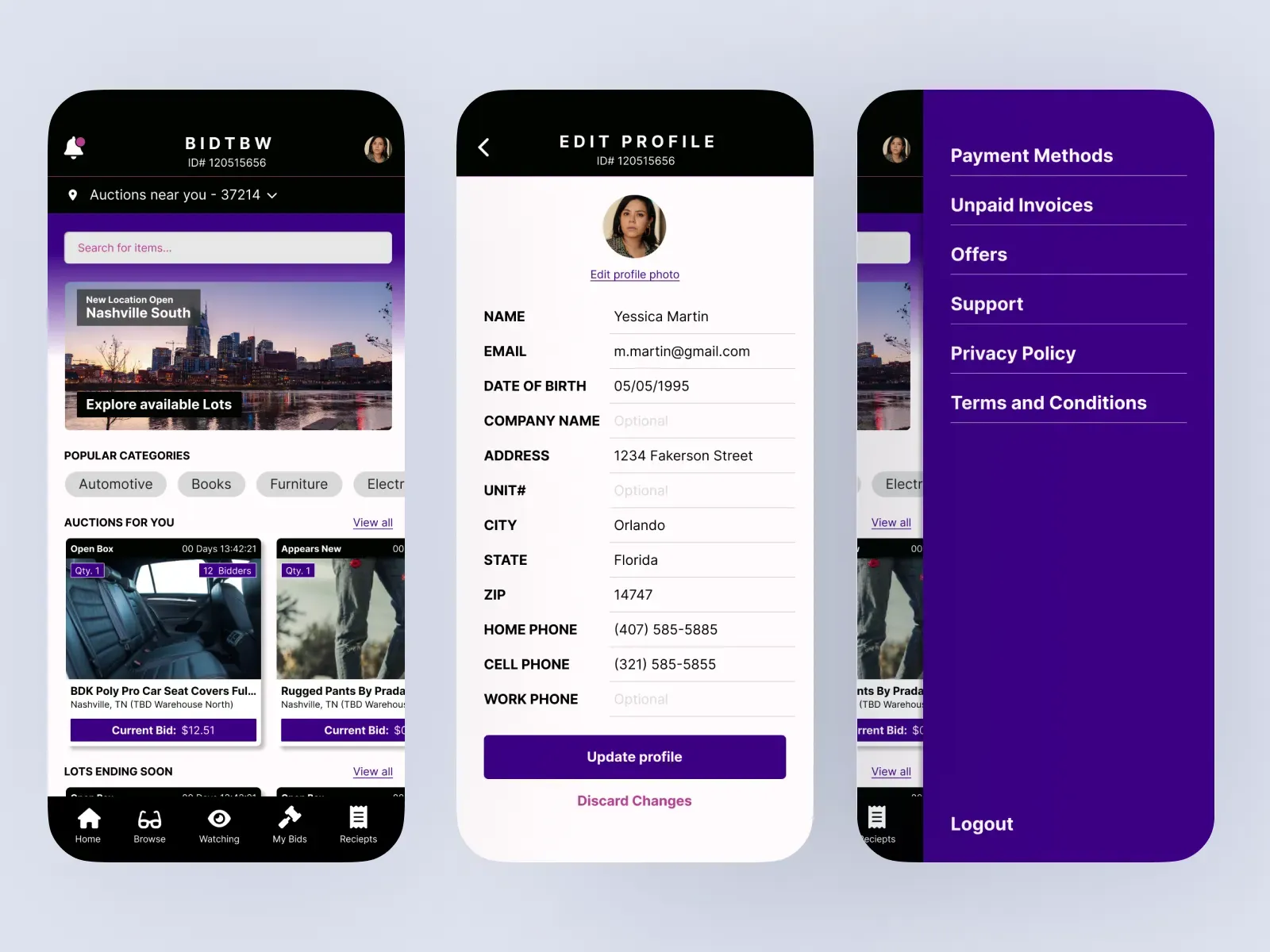
Users don't read the manual. They leave.
Products grow a feature at a time, each one designed on its own. The result is an interface that makes sense to the team who built it and nobody else — and the cost shows up as support tickets, abandoned sign-ups and features nobody finds.
- Support answers the same "how do I…" questions every week.
- People sign up and never come back after the first session.
- Every new feature gets a slightly different design.
- Your developers make design decisions because nobody else is.
What you get, in order.
Research and flows
Conversations with real users and a map of the key journeys as they work today, with the friction marked.
Prototypes
Clickable prototypes of the redesigned flows, tested with users before anyone builds them.
Interface design
Final screens for every state — empty, loading, error, success — not just the happy path.
A design system
Components, tokens and usage notes your developers can build from, so new features stay consistent.
Who this is for.
Teams with a live product and real users — SaaS, platforms, internal tools, customer portals. Especially where there's development capacity but no design capacity.
It's a poor fit if there's no product or users yet and you need a whole MVP designed and built end to end. We'll suggest a smaller first step.
What makes it bigger or smaller.
Smaller
- One key flow
- An existing design system
- Access to real users
- Developers ready to build
Bigger
- A whole-product redesign
- No existing components
- Several user types or platforms
- Accessibility work across the product
No numbers here — we'll put one in writing after we've seen it.
Before, during, and after.
Research, two to three weeks
User conversations, analytics, and a walk through the product with your team. You get the journey maps and a prioritised list of the friction worth fixing.
Design, test, repeat
Prototypes tested with real users in short rounds, so decisions are made on evidence instead of opinion.
Build support
We stay close while your developers build — answering questions, reviewing the implementation, and extending the design system as new needs come up.
A prototype that proved the idea before anyone built it.
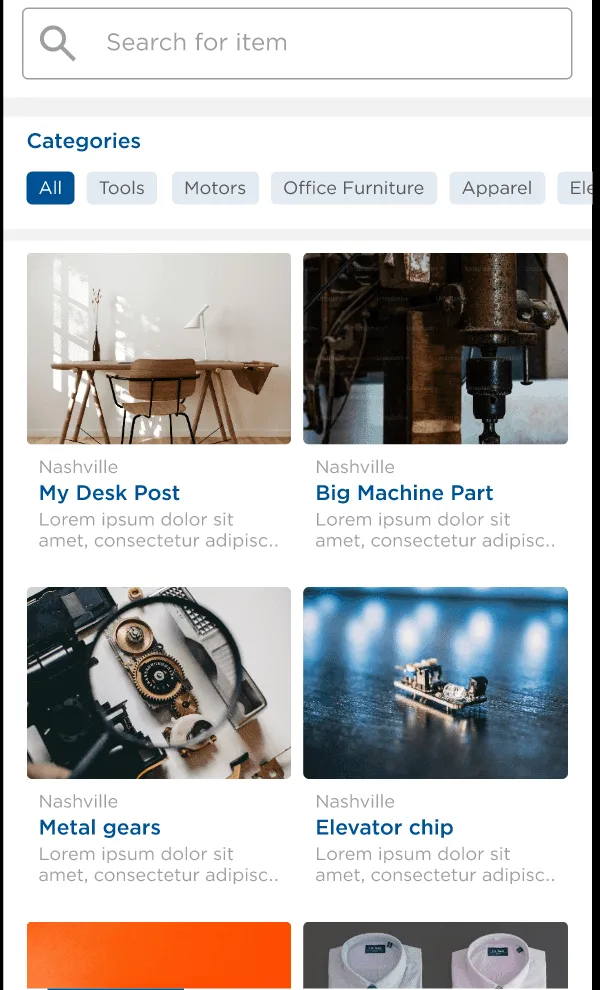
Swap Shop
Founder experience, led in-house: research, prototyping and usability testing for an internal exchange — 65% of testers preferred it to the email process.
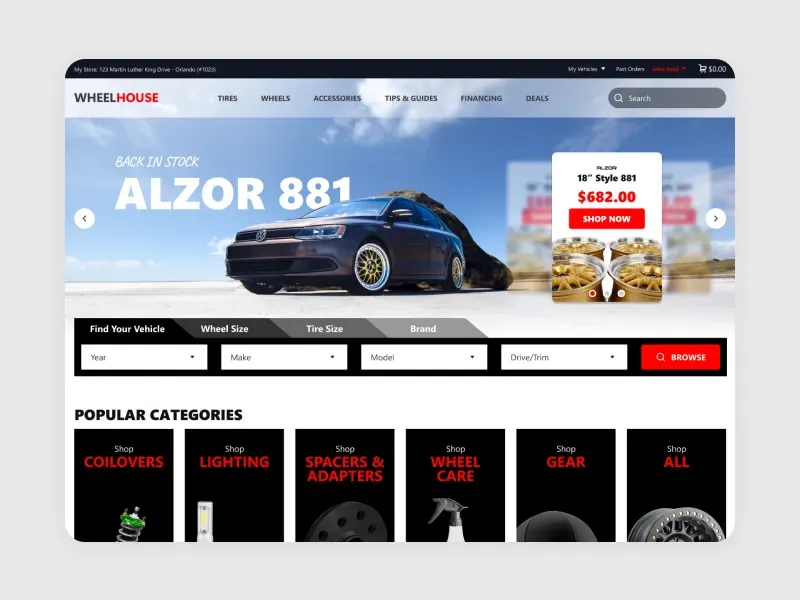
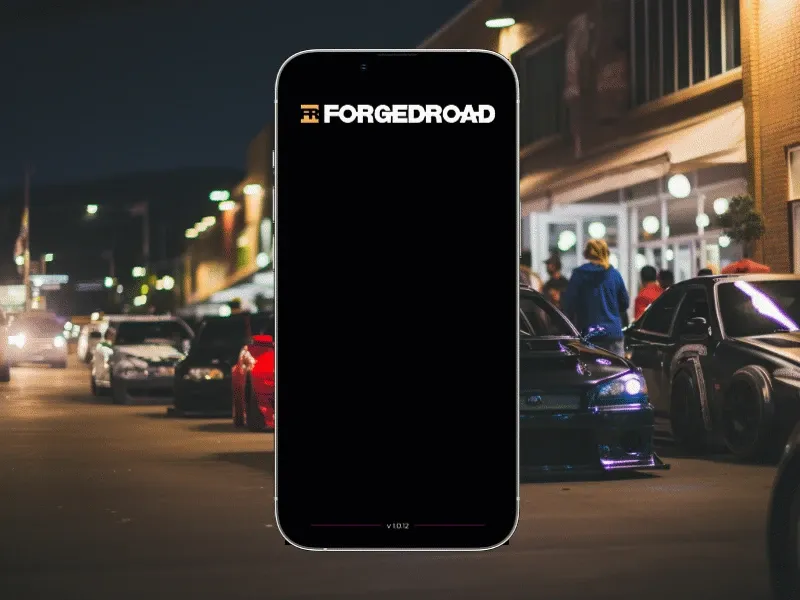
Read the case study →More examples.
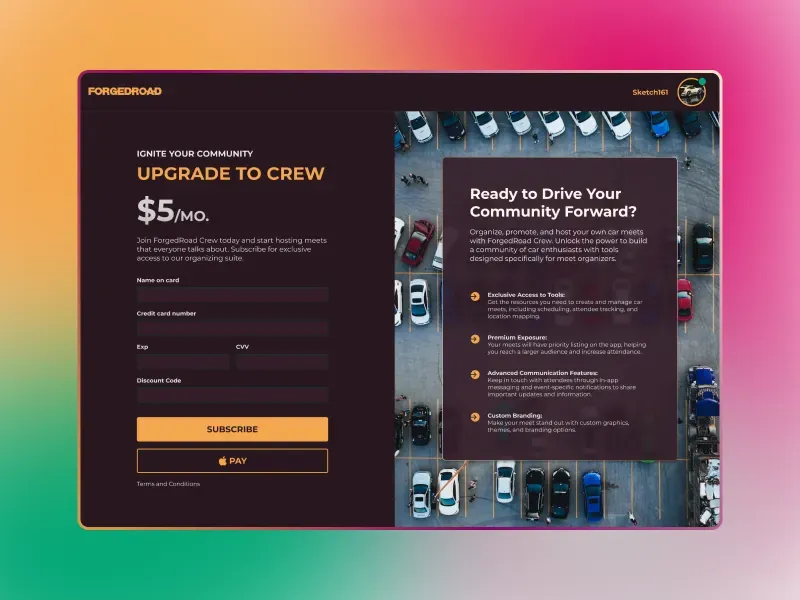
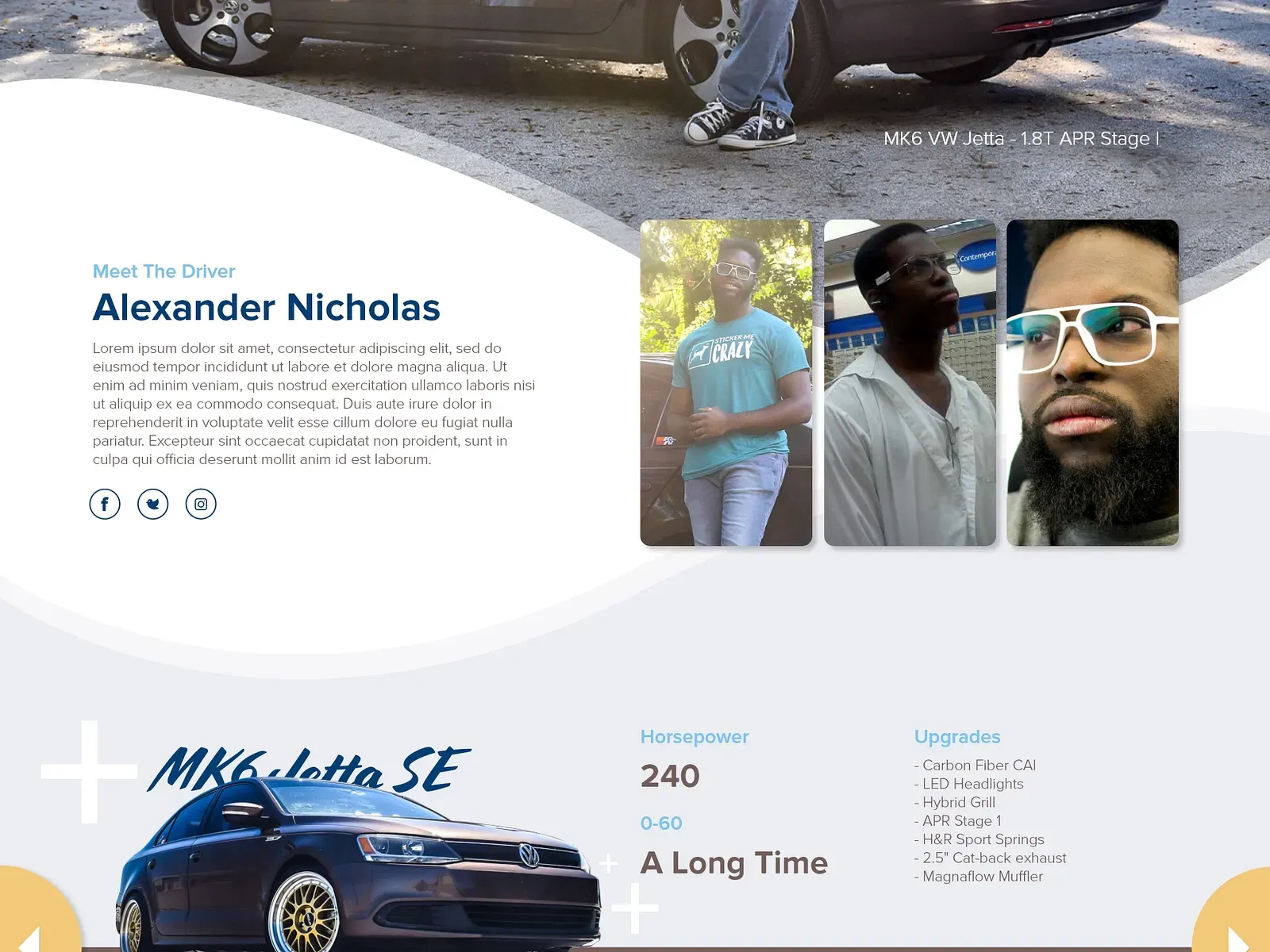
What people ask about UX/UI design.
What's the difference between UX and UI?
UX is how the product works — the flows, the steps, what happens when. UI is how it looks and reads on screen. They're designed together: a beautiful screen in a confusing flow still loses people.
Do you work with our developers?
Yes. We hand over components and specifications your team can build from, and stay involved during the build to answer questions and review the result.
Do you do user research?
Yes, and we'd rather not skip it. Even five conversations with real users changes what gets designed. If you already have research, we start from that.
How long does a UX/UI project take?
A single key flow can go from research to a tested prototype in a few weeks. Whole-product work runs longer and is usually delivered flow by flow, so improvements ship as they are ready.
How much does UX/UI design cost?
There's no price on this page. It depends on how many flows, platforms and user types are involved. We scope it after a first look at the product.